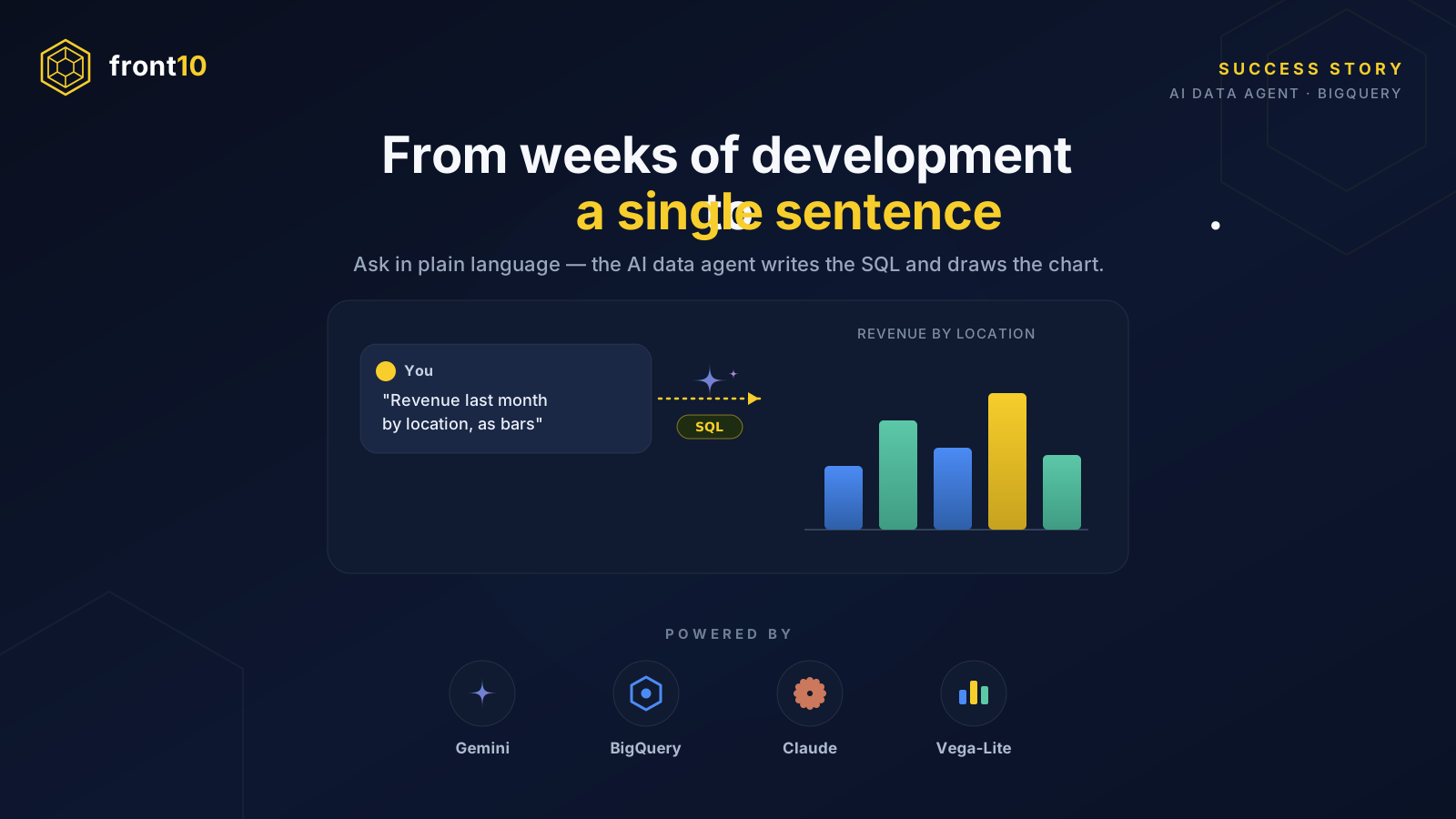
From Weeks of Development to a Single Sentence: Putting an AI Agent in Front of All Your Data
The story of a paradigm shift in analytics reporting
The same old problem
For fifteen years, “I want a new report” was one of the most expensive sentences in enterprise software. Not because of anyone’s bad faith, but because of the chain of steps it triggered.
When an organization wanted to understand its business, the traditional path looked like this:
- Build the data. Stand up the ETL pipeline, model the tables, clean and consolidate. And almost always with textbook traps along the way: identifiers reused across systems, dates booked into the future that inflate counts, legacy data from old migrations dragging in records from decades ago.
- Write the queries with their parameters, their global filters, their compound joins.
- Develop a module to paint that data into charts and views.
- And then the client would say: “not like that, I pictured it differently”… or worse: “the colors are wrong.” 😅
Every change, no matter how trivial, opened up another full sprint. In the best case you’d take refuge in Google Data Studio — which at least solved the color problem without touching code — but for any genuinely new report, the user ended up asking the developer for help. Again.
It’s worth remembering where we come from: Data Studio launched in 2016, became Looker Studio in 2022, and in April 2026 Google renamed it back to Data Studio (Google Cloud Blog). Ten years of iteration to democratize dashboards… and even so, “self-service” had a ceiling: someone had to model and connect the source before the end user could touch anything. The last mile still belonged to the developer.
The shift: putting the agent in front of the data
The idea, in one sentence:
Instead of building views on top of the data, you deploy an AI agent in front of the data and let the user ask for what they want, the way they want to see it, in natural language.
The centerpiece is a Gemini Data Agent over BigQuery, exposed through Google Cloud’s Conversational Analytics API. This API is designed to build context-aware agents that understand natural language, query your data in BigQuery or Looker, and answer with text, tables, and charts (Google Cloud Documentation).
At its core lives an NL2SQL engine (natural language to SQL): it translates the user’s question into a semantically equivalent, syntactically correct SQL query for BigQuery (Google Cloud Blog). A data agent is a pre-configured layer between your data and the user that combines three things: the translation to SQL, context retrieval from metadata and a set of custom system instructions specific to the use case, and chart generation.
And that’s the part that changes everything: you don’t hand the agent a dashboard, you hand it context. You present your tables and give it documentation that explains what each piece of data means and what it’s for. That body of definitions — what counts as each metric, how to correctly attribute a figure, which data to ignore as invalid — makes the agent reason like a business expert, not like a naive SQL engine.
The architecture
This isn’t a mockup. Here’s what actually makes the case work:
1. The Data Agent in BigQuery (Gemini). It receives a natural-language question and returns a stream with distinct pieces: the resolved schema, the SQL it generated (pure gold for debugging and transparency), the result, a chart specification in Vega-Lite, and the final natural-language summary (DataCamp).
2. A Claude Code Skill as the orchestrator. Anthropic’s Agent Skills are folders of instructions, scripts, and resources that the agent loads dynamically to specialize at a task. A skill, in its simplest form, is a directory with a SKILL.md file holding metadata that the agent pre-loads at startup (Claude Code Docs). Here, the skill acts as a stateful bridge between the interface (Claude Code, Cursor, Codex) and the Data Agent: it manages multi-turn conversations, invokes the API, and renders the charts that come back in the response.
The end user’s flow boils down to this:
User: "Revenue last month by location, as bars"
   → Skill (Claude Code) → Conversational Analytics API
   → Gemini translates to SQL → BigQuery executes
   → returns data + Vega-Lite + summary
   → the chart appears inline in the chat
No new module. No sprint. No going through the developer. And if the user says “actually, make it lines and only one location,” that’s the next sentence in the chat, not the next ticket in the backlog.
Before and after, side by side
| The traditional path | With the agent in front of the data | |
|---|---|---|
| Prepare the data | ETL pipeline + modeling per report | Once: present tables + context to the agent |
| A new question | New query, parameters, code | One sentence in the chat |
| A new view | New UI module (sprint) | Ask for the chart type; you get Vega-Lite |
| ”The colors are wrong” | Another development cycle | Another sentence |
| Who does it | The developer | The user themselves |
| Transparency | Black box (you trust the dev) | The agent returns the generated SQL |
The most subtle — and most important — point is the last one in the roles row: who does the analytical work flips. The developer stops being the bottleneck for every question and becomes the architect of context: they define the metrics once, version them, reconcile them against the official source, and let the agent — and the user — do the rest. Even automation gets simpler: recurring reports that generate and publish themselves, without anyone hand-writing a single query.
The world of possibilities this opens up
What this story tells isn’t “we installed a chatbot.” It’s a change in the very nature of how reporting gets built:
- Data no longer needs a UI per question. The “dashboard” is no longer an artifact you have to build; it’s a conversation you have. The rare question, the one-off, the one that never justified a sprint — now it gets answered too.
- Context is the new deliverable. Value moves from the visualization module to the documentation that trains the agent. Defining a metric well is worth more than painting a bar well — and, better still, it’s reusable across every channel (chat, dashboard, messaging) at once.
- Auditable transparency by default. Because the agent exposes the SQL it ran, it stops being a black box: anyone can verify how it arrived at a number. That solves the old trust problem of “the number that came out of the dashboard.”
- Interface-agnostic and composable. The same Data Agent answers from Claude Code, Cursor, or an automated script. And the family of sources keeps growing: the Conversational Analytics API already covers BigQuery and Looker, with more to come.
The takeaway
The old path treated every user question as a software project. The new one treats it as what it always was: a question.
You put a Gemini agent in front of all your BigQuery data, give it the business context in human language, wrap it in a Claude Code skill, and hand the user something they never had before: the ability to ask their own data — and see it the way they imagine it — just by saying what they want.
That’s the happy ending. And the beginning of many others.
Sources
- Build data agents with Conversational Analytics API — Google Cloud Blog
- Conversational Analytics API overview — Google Cloud Docs
- Conversational Analytics: Build a Data Agent in BigQuery — DataCamp
- Looker Studio is Data Studio — Google Cloud Blog
- Equipping agents for the real world with Agent Skills — Anthropic
- Extend Claude with Skills — Claude Code Docs